Skip to content
Delhi, Delhi, 110053

Business hours

Trove computer classes| Yamuna vihar |

Monday
7am-8pm
Tuesday
7am-8pm
Wednesday
7am-8pm
Thursday
7am-8pm
Friday
7am-8pm
Saturday
7am-8pm
Sunday
Not provided

You can anytime during the day with your query.

9540241050

Latest Posts & Updates

Fresh stories, announcements and offers about Educational Institution, Computer club, Education Centre, straight from our business.

The E-Commerce course at Trove Computer Class is designed to equip students with the practical sk…

The E-Commerce course at Trove Computer Class is designed to equip students with the practical skills and knowledge needed to start, manage, and grow an online business. This course covers the fundamentals of e-commerce, including online store setup, product listing, digital payments, customer management, and online marketing strategies. Students will learn how to create and manage e-commerce websites using popular platforms, understand online selling models (B2B, B2C, and C2C), and apply digital marketing tools such as social media marketing, SEO, and online advertising. The course also introduces basic concepts of cybersecurity, logistics, and customer service in e-commerce. By the end of the course, learners will be able to launch their own online store, manage online sales effectively, and understand the business strategies required to succeed in the digital marketplace.
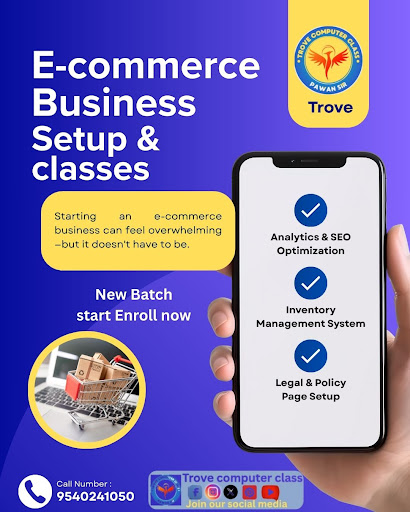
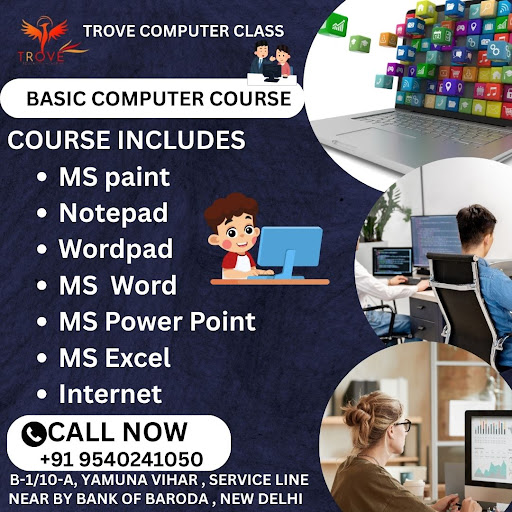
The E-Commerce course at Trove Computer Class is designed to equip students with the practical sk… post imageRead full post

Advanced Excel refers to using Microsoft Excel beyond the basic level — focusing on powerful feat…

Advanced Excel refers to using Microsoft Excel beyond the basic level — focusing on powerful features and tools for data analysis, automation, and reporting. Key Features of Advanced Excel: Formulas & Functions: VLOOKUP, HLOOKUP, INDEX & MATCH, IF, SUMIF, COUNTIF, etc. Pivot Tables & Charts: Summarize large datasets quickly. Data Validation & Conditional Formatting: Highlight important data automatically. Macros & VBA: Automate repetitive tasks. Power Query & Power Pivot: Handle and model large volumes of data. What-If Analysis Tools: Goal Seek, Scenario Manager, and Data Tables. Dashboards: Create interactive reports using charts, slicers, and visualizations. contact us :-

Advanced Excel refers to using Microsoft Excel beyond the basic level — focusing on powerful feat… post imageRead full post